Power Backup for Remote Work: Power Banks, UPS Units, and Inverters
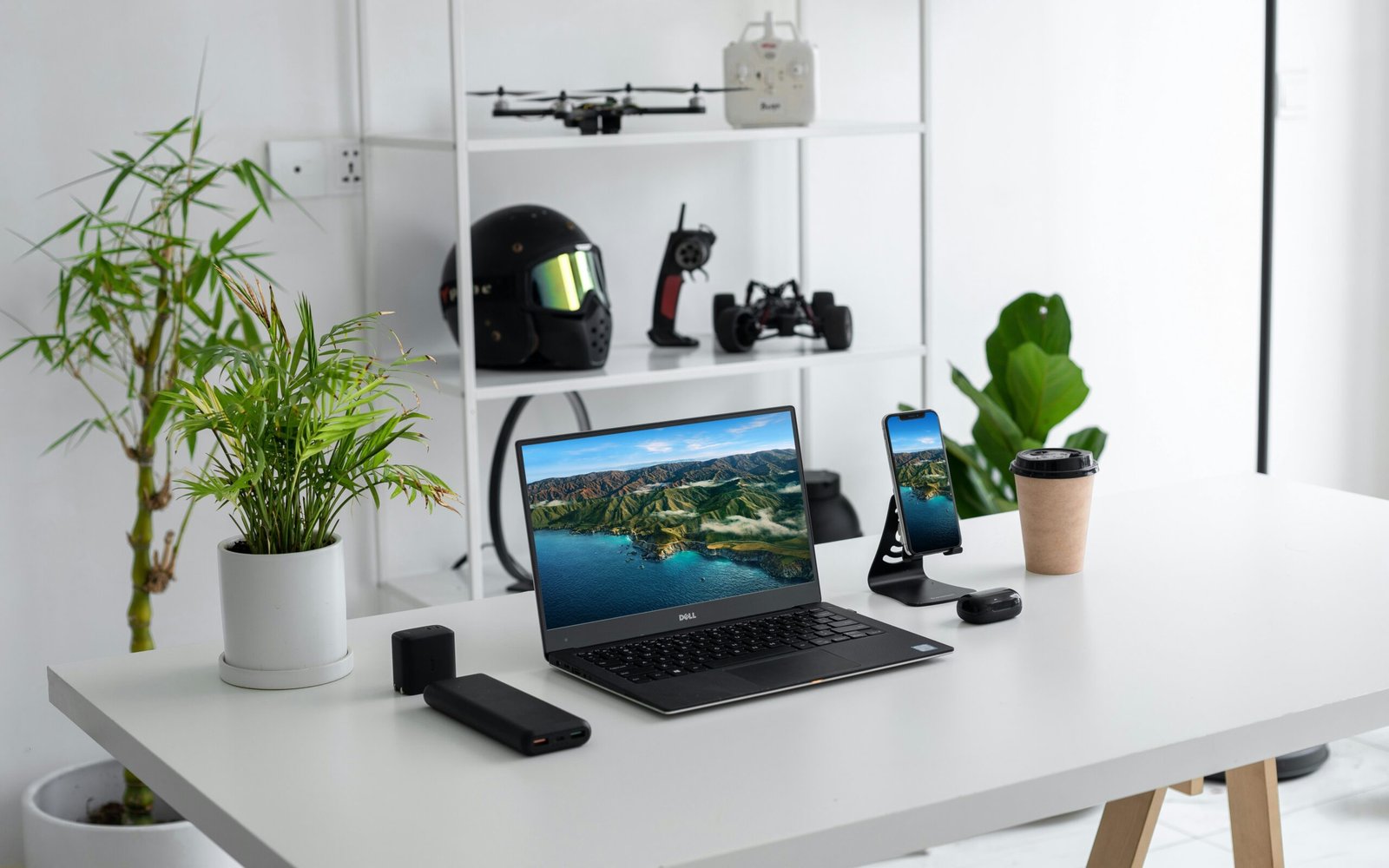
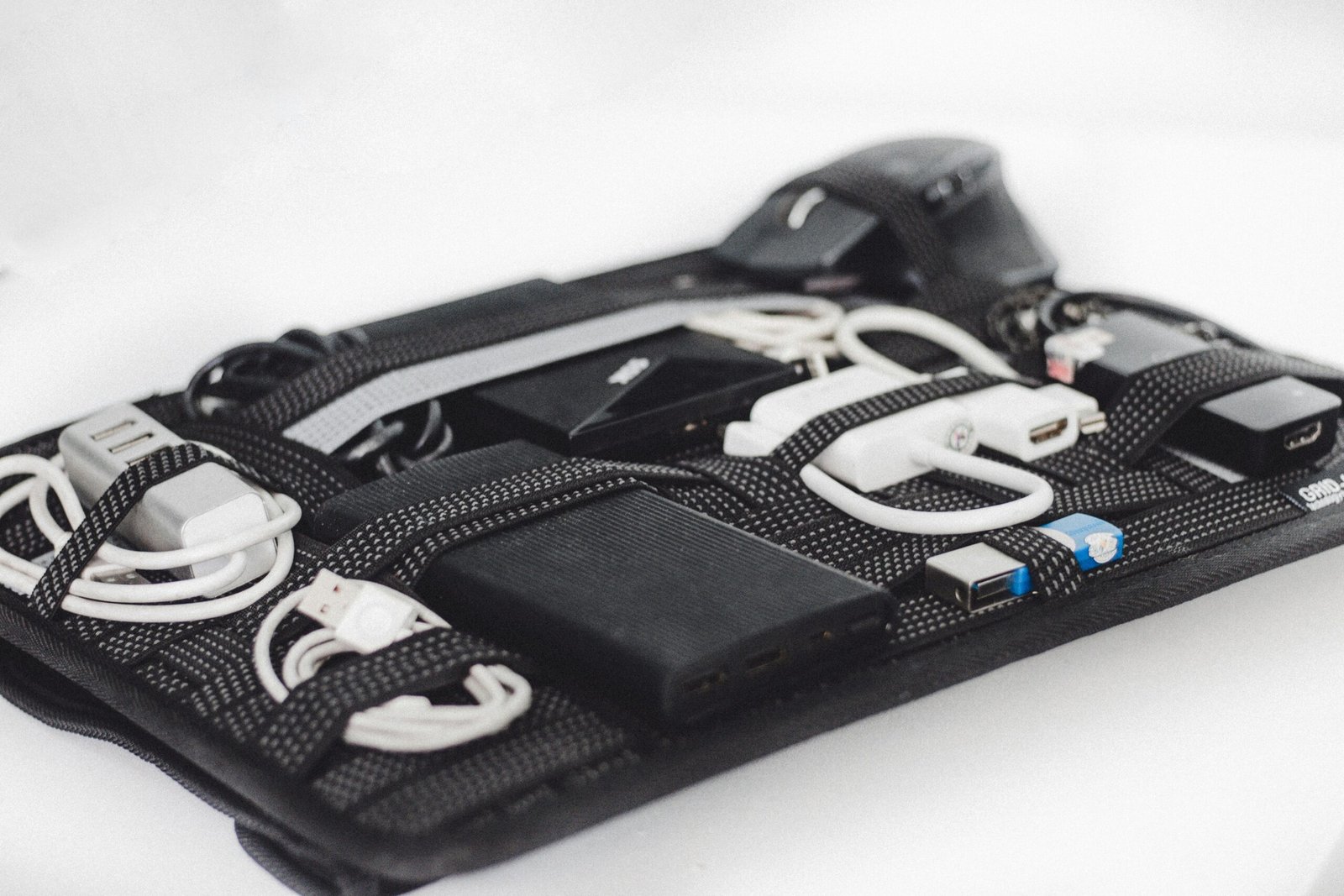
If your electricity supply is unreliable, a power cut can end a meeting, corrupt an unsaved file, or stop your work for hours. The fix is not a single product. Three kinds of backup solve three different problems, and the right choice depends on how long you need to keep working. This guide explains each option, where it fits, and how to work out what size you need before you spend money. First, decide what must stay on Backing up everything in your home is expensive. Backing up only what you need to work is much cheaper. For most remote workers, the essential list is short. Everything else, such as a fan, kettle, or television, is a separate decision with a much bigger power draw. Leaving those off the backup is the single biggest way to make a small system last longer. Option 1: Power bank Best for: laptops and phones when you need a few extra hours of battery. A power bank is a portable battery. It can keep a laptop going if the battery supports USB-C power delivery and its output in watts is high enough for your laptop. Check your laptop charger’s label for its wattage and compare it with the power bank’s maximum output. A laptop battery commonly holds somewhere between 40 and 100 Wh. A power bank with 60 Wh of capacity can therefore add roughly one extra charge to a small laptop at best, and slightly less in practice because some energy is lost during conversion. Where it shines: it is portable, silent, affordable, and needs no installation. Where it falls short: it can’t power a router, monitor, or desktop unless it has the right outputs, and its capacity is limited. Option 2: UPS (uninterruptible power supply) Best for: desktop computers, monitors, and routers, where a sudden cut would lose work or drop your connection. A UPS contains a battery and switches to it almost instantly when the mains fails. It also smooths out surges and voltage dips. Its runtime depends on its size and on what you plug into it, and is usually measured in minutes to an hour, not many hours. When you compare models, look at these points. Where it shines: instant switchover and protection from surges. Where it falls short: runtime is short under heavy loads. Avoid plugging in high-draw devices such as laser printers unless the manufacturer says your model supports them. Option 3: Inverter and battery system Best for: longer outages, when you need to keep working for several hours. An inverter converts battery power into the mains-type power your devices use. Paired with a large battery, it can run a laptop, router, and lights for hours. Some people also add solar panels to recharge it. Key points to check. Where it shines: far longer runtime, and it can power several devices. Where it falls short: higher cost, more complex setup, and the need for correct sizing and wiring. Have a qualified technician install any system that connects to your building’s wiring. Never run a petrol or diesel generator indoors, because it produces carbon monoxide. How to size your backup You can estimate what you need in four steps. List the devices you must keep on during an outage. Find each device’s power in watts on its label or charger. Add the numbers to get your total load. Divide the usable battery capacity (Wh) by your load (W) to get approximate hours. Here is an example with illustrative numbers. Device Approximate power Laptop (charging and working) 65 W Router and modem 20 W LED lamp 10 W Total 95 W A battery with 1,000 Wh of usable capacity running a load of roughly 100 W would last about 10 hours in theory. Real systems lose some energy in conversion, so plan on noticeably less, and treat this as an estimate, not a guarantee. Use the figures from your own devices, because power use varies widely. Comparing the three options Option Typical runtime Best use Main limitation Power bank A few hours for a laptop Laptop and phone on the move Limited outputs and capacity UPS Minutes to about an hour Save work, keep router up through short cuts Short runtime under heavy load Inverter and battery Hours, depending on size Long outages Cost and installation Our recommendation For most remote workers, a small UPS for the router and modem, plus a laptop that runs on its own battery, covers short outages. If outages are frequent and last for hours, add a properly sized inverter and battery system. Keep a charged power bank for your phone and as a last-resort laptop top-up. Where this layered approach shines: each layer covers a different type of outage. Where it falls short: it costs more than a single product, so build it up in stages, starting with the part that protects your work first.