Aug 12, 2026
Used before category names.
Home Office
Ergonomic Home Office Setup: What to Fix First
Many people set up a home office with a laptop on a kitchen table and hope for the best. After a few weeks, neck stiffness and back pain appear. You don’t need to buy an entire new setup to fix this. Start with the changes below, in this order.
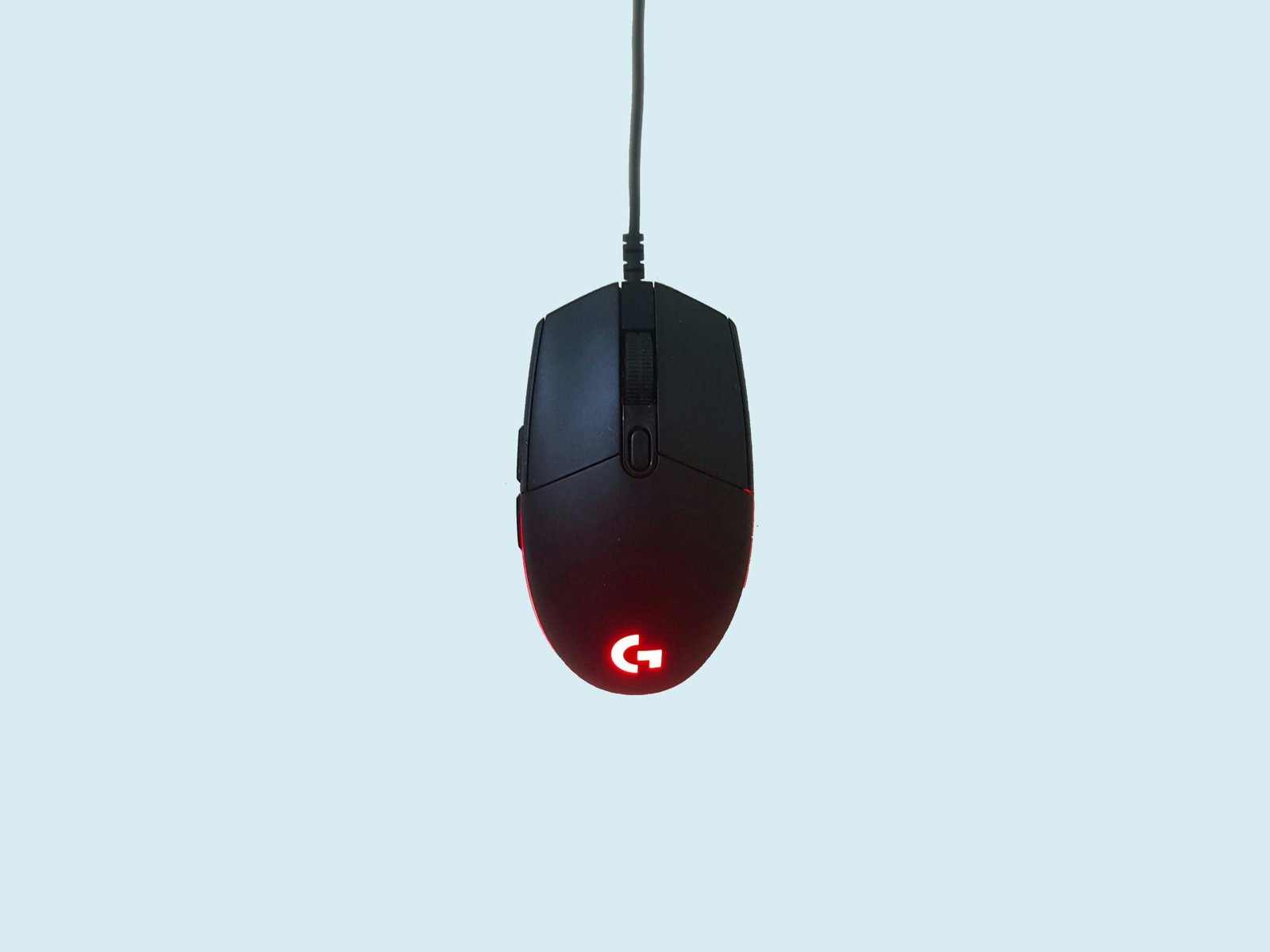
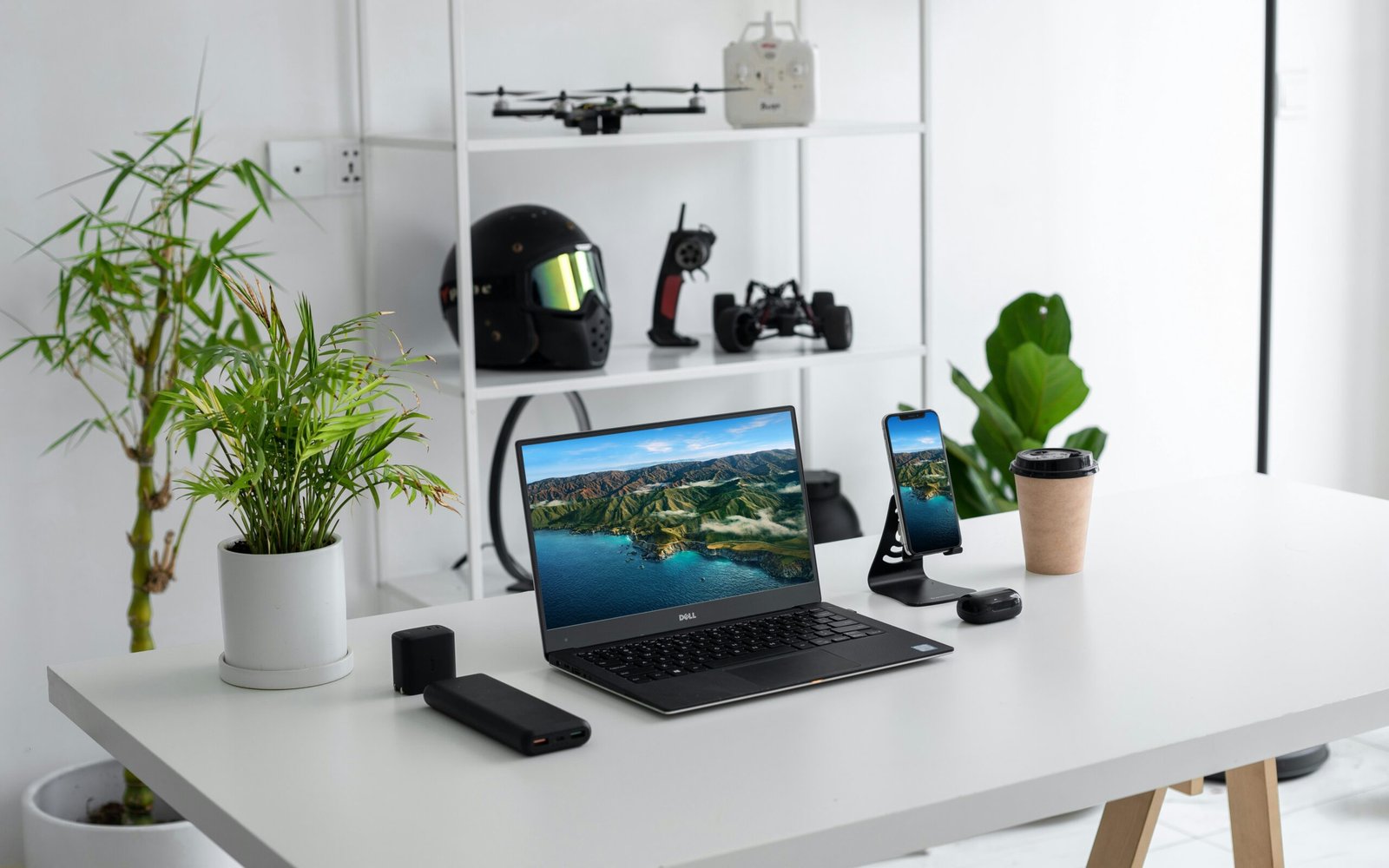
- Raise your screen Your eyes should be level with, or slightly below, the top of the screen, at about an arm’s length away. A laptop on a desk forces you to look down, which strains your neck. A laptop stand or a stack of sturdy books fixes this immediately. Use an external keyboard and mouse so your hands can stay at the right height.
Where it shines: it’s the cheapest fix with the biggest effect. Where it falls short: it requires a separate keyboard and mouse, so it adds a small cost.
- Fix your chair position Your feet should rest flat on the floor, with knees roughly level with your hips and elbows near a right angle when typing. If your chair is too high, use a footrest. If your lower back is unsupported, a small cushion or rolled towel can help until you buy a chair with proper lumbar support.
- Position your keyboard and mouse Keep them close enough that your elbows stay near your sides. Your wrists should stay straight, not bent upward. If your wrists hurt, try a vertical mouse or a wrist rest, but fix your posture first.
- Light your workspace properly Place your screen so windows are to the side, not behind or in front of it. Glare causes squinting and eye fatigue. A desk lamp with adjustable brightness helps in the evening.
- Move regularly The best chair still can’t replace movement. Stand up every 30 to 60 minutes, and try the 20-20-20 habit: every 20 minutes, look at something 20 feet away for 20 seconds. A sit-stand desk is useful if your budget allows, but a regular desk and a timer work too.
A simple upgrade order Laptop stand, external keyboard, and mouse Supportive chair or lumbar cushion Better lighting Sit-stand desk or adjustable converter Fix the free and cheap items first. Spend more only when you know which problem remains.
Used before post author name.