How to Choose a Mouse for Long Work Days
You use your mouse thousands of times a day, yet it often gets less thought than any other piece of gear. The right shape can make long sessions more comfortable.
Common mouse types
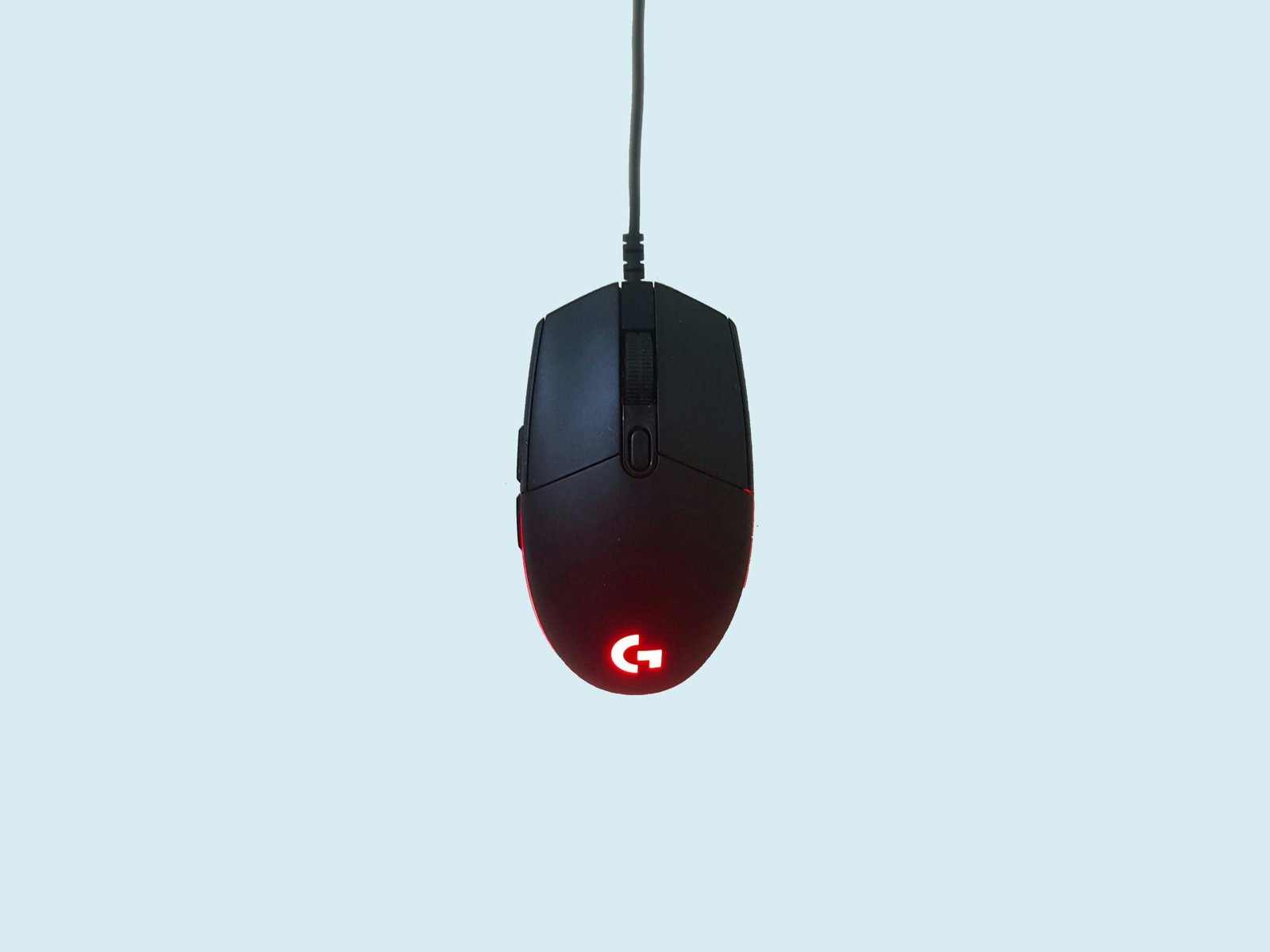
Standard mouse. Familiar and widely available. Where it shines: easy to switch between models and good for most users. Where it falls short: the flat palm-down position can feel tiring for some people over time.
Vertical mouse. Holds your hand in a handshake position. Where it shines: many people find it more comfortable for the forearm. Where it falls short: it takes a few days to adjust, and precision tasks may feel different at first.
Trackball. The ball moves under your thumb or fingers while the body stays still. Where it shines: needs very little desk space and little arm movement. Where it falls short: it can feel unfamiliar, and fine control takes practice.
Compact or travel mouse. Small and light. Where it shines: it’s easy to carry. Where it falls short: a small body can feel cramped in larger hands.
What to check before buying
- Size: Your whole hand should rest comfortably on it. Hand size matters.
- Wired or wireless: Wireless is tidier but needs charging or batteries. Wired never runs out.
- Connection: Bluetooth saves a USB port, while a USB receiver is often more stable.
- Adjustable sensitivity (DPI): Helpful on large or multiple monitors.
- Extra buttons: Useful for browsers and editing, but only if you will use them.
Habits that help
Keep your wrist straight, rest your forearm lightly on the desk, and let your whole arm move instead of flicking the wrist. Take short breaks and stretch your hands. If you feel ongoing pain, numbness, or tingling, see a healthcare professional rather than relying on a new product.