Mechanical Keyboard Switches Explained for Office Use
If you spend hours typing, a mechanical keyboard can make a real difference to comfort and accuracy. The first decision is the switch type, and it affects feel and noise more than anything else.
The three main switch types
Linear. Smooth keystroke with no bump or click. Where it shines: quiet, fast, and easy for long typing sessions. Where it falls short: some typists miss the feedback and make more accidental key presses.
Tactile. A small bump signals when the key registers. Where it shines: good feedback without much noise, so it suits most office work. Where it falls short: the bump isn’t to everyone’s liking.
Clicky. A bump plus an audible click. Where it shines: very satisfying feedback. Where it falls short: loud, and likely to be heard on video calls or by people nearby.
Other features to check
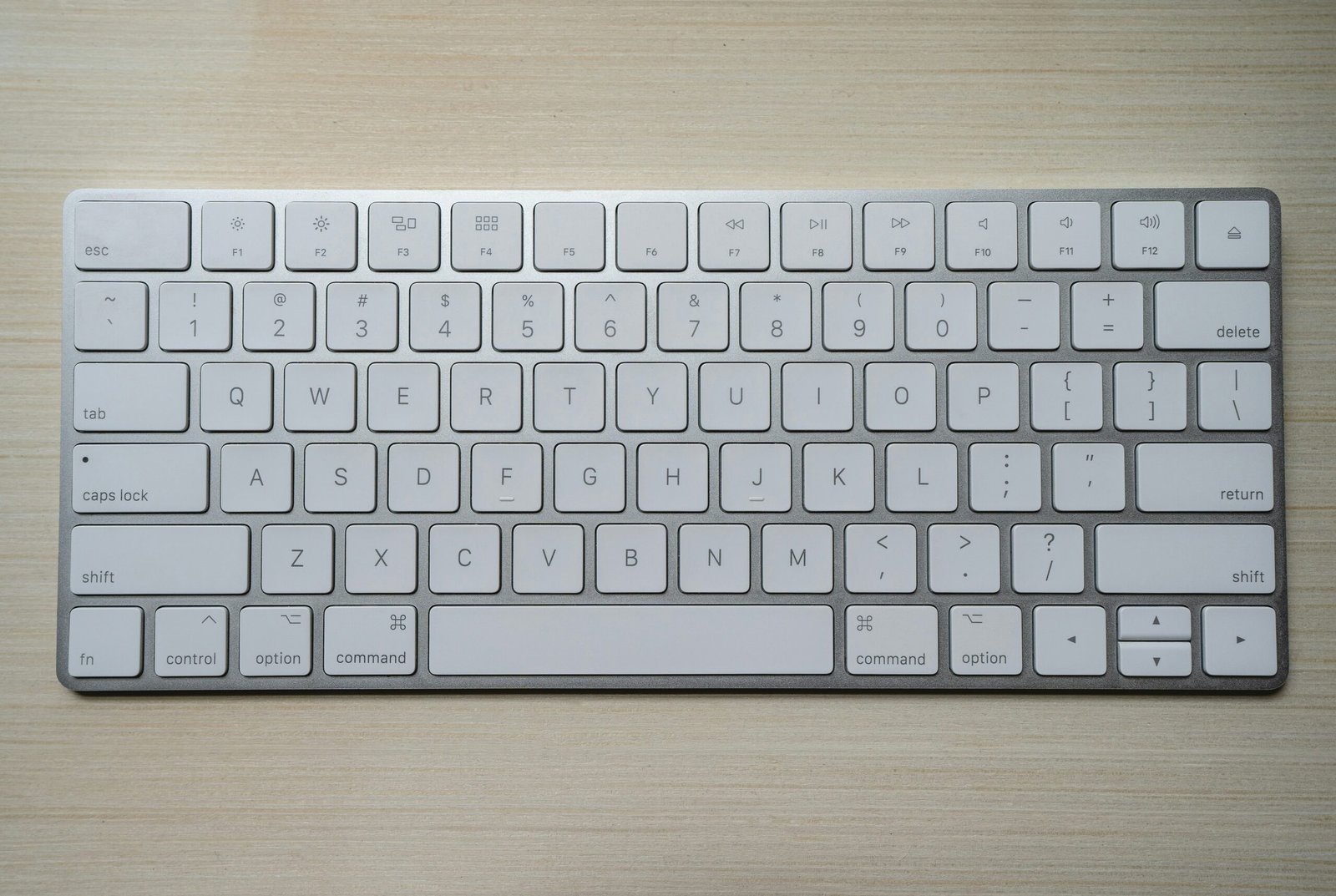
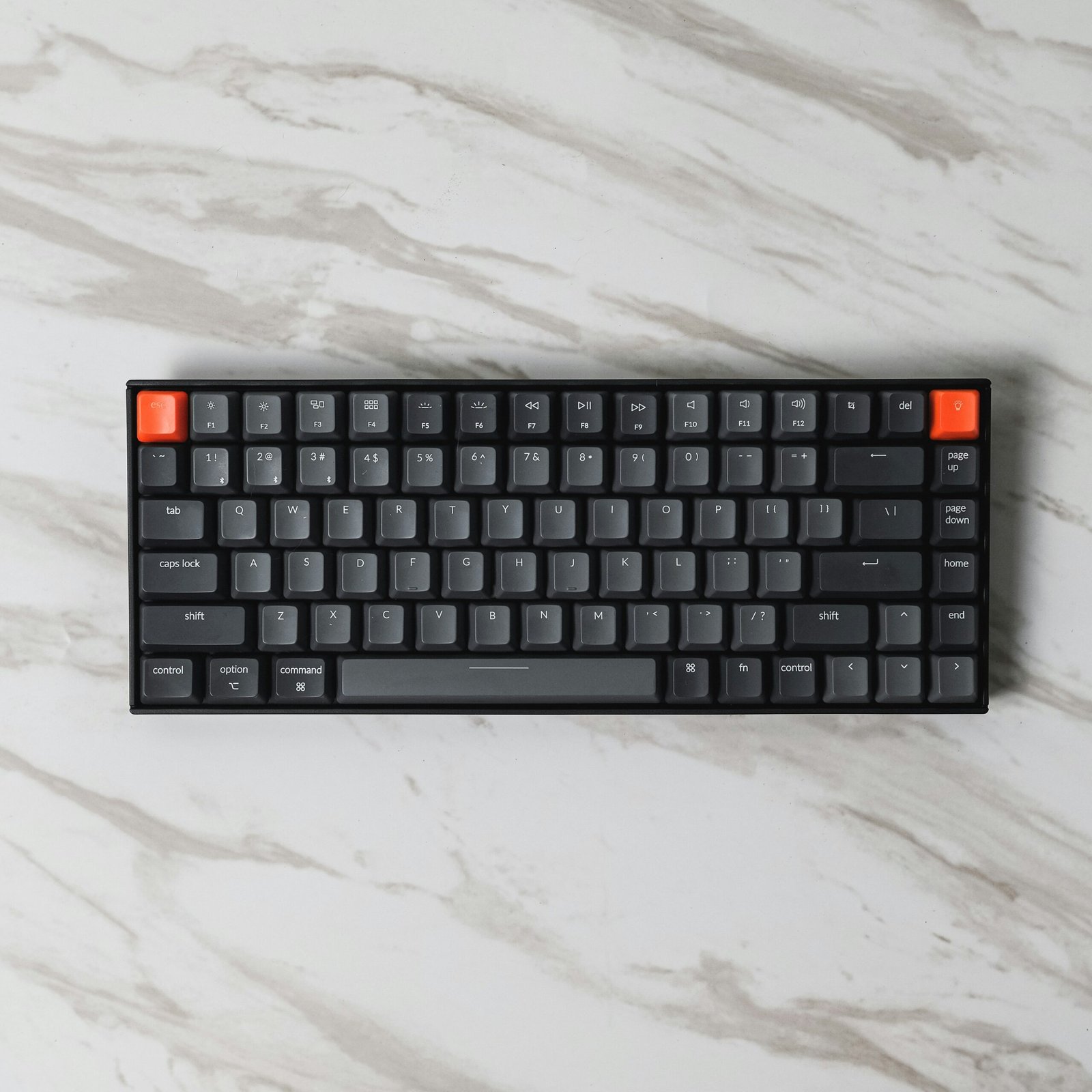
Size. Full-size boards include a number pad. Tenkeyless (TKL) and 75% layouts save desk space and keep your mouse closer, which helps your shoulder. 60% boards are compact but remove arrow and function keys many office users need.
Hot-swappable switches. These let you change switches without soldering, so you can try other types later.
Noise dampening. Foam inside the case and softer switches reduce sound. This matters if you share a room.
Connection. Wired is reliable and has no battery. Wireless is neater, but check battery life and whether it supports multiple devices.
Keycap material. Thicker keycaps tend to feel more solid and sound deeper.
Which one should you choose?
Quiet home office or shared space: linear or quiet tactile, with a 75% or TKL layout
Heavy daily typing: tactile, for feedback that helps accuracy
Gaming and work on one board: linear, wired or low-latency wireless
Working near others or on frequent calls: avoid clicky switches
Try to type on a board before buying, or choose a retailer with an easy return policy. Switch feel is personal.